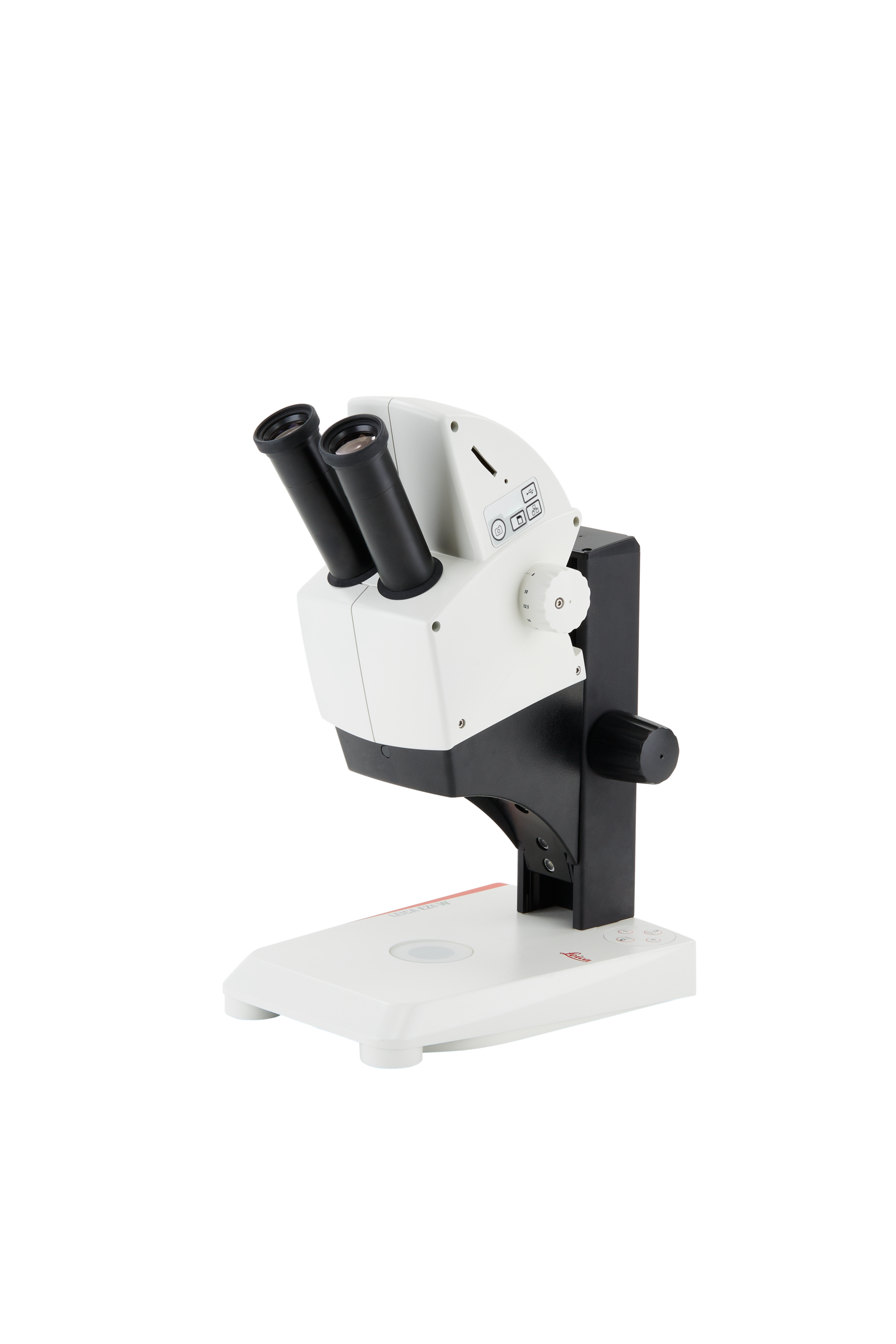
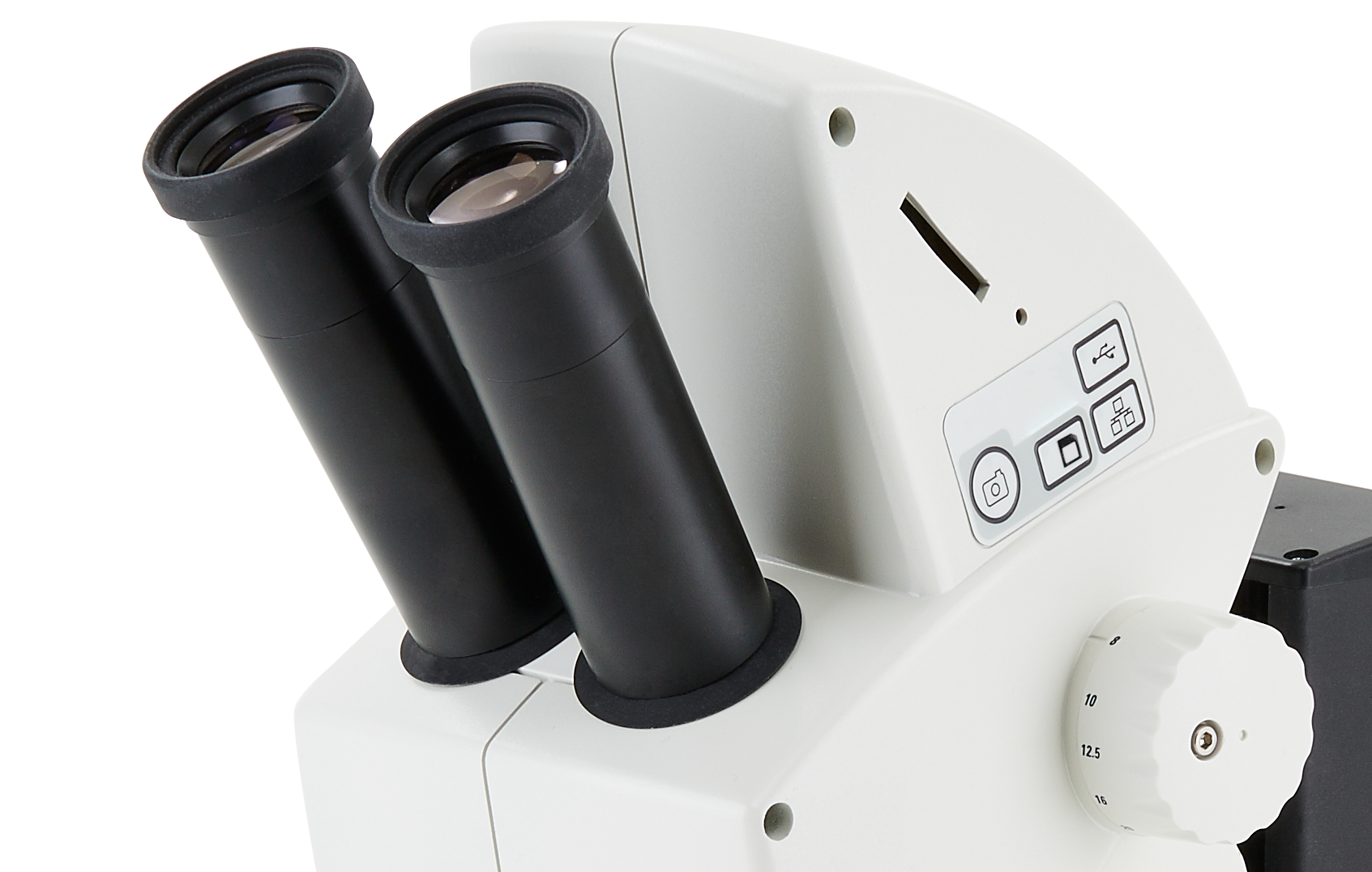
- Optical system: 10° Greenough, parfocal
- Magnification changer: zoom 4.4:1
- Eyepieces for spectacle wearers: 10×/20 fixed
- Viewing Angle: 60°
- Working Distance: 100 mm
- Magnification range: 8× to 35×
- Max resolution: 170 Lp/mm
- Max num. aperture: 0.057 nA
- Object field diameter: 5.7 to 25 mm
- Eyecups: replaceable
- Interpupillary distance: 50 to 75 mm
- Beam path: 50 % visual/ 50 % camera
- Focusing drive torque: individually adjustable, 75 mm stroke (all instruments)
- Grip: integrated
- LED illumination system: integrated, independent or combined incident and transmitted light (all instruments)
- Control: membrane switch
- Incident light method: choice of 3 methods: maximum intensity with 5 LEDs, top light with three LED’s, side light with 2 LED’s
- Dimmer: yes, for incident and transmitted light
- Auto OFF: after 2 hours
- LED service life: approx. 25,000 h
- Light quality: homogeneous daylight 6,500° reflected, 4,500° transmitted, free of UV and IR radiation (all instruments)
- Maintenance: maintenance-free
- Power supply: universal from 100 V to 240 V, voltage-sensitive, integrated (all instruments)
- Digital camera: integrated 5.0× megapixel CMOS camera
- WiFi mode: WiFi broadcasting * (only available for Leica EZ4 W)
- USB mode: USB cable connection to PC
- Ethernet mode: Ethernet cable connection to network
- SD mode: Capture to SD card
- HDMI port: High Definition output for desktop or large HD displays
- Integrated slot: SD (Secure Digital)
- Recording: switch for image capture
- Software:
- Leica software for PC/MAC
- Leica apps for mobile devices
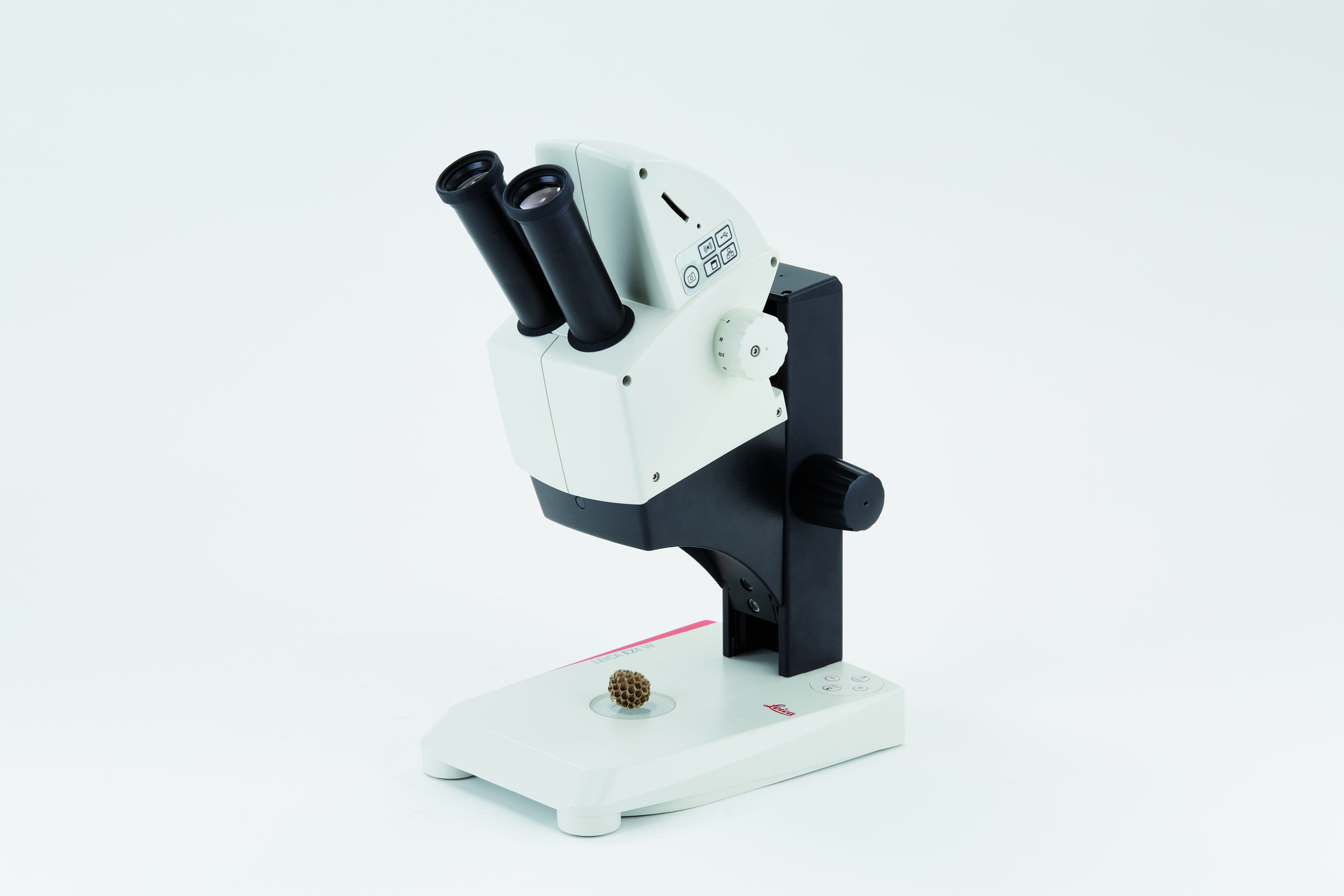
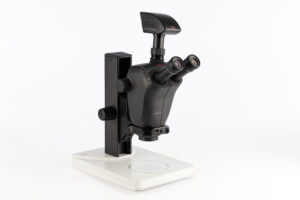
Leica EZ4 W & EZ4 E Educational Stereo Microscopes for Academics
Item#: EZ4These stereo microscopes provide a wireless education solution to the science classroom. The integrated 5-megapixel cameras can live-stream HD images to students’ smartphones or tablets. Students can connect to the EZ4 W either through its own internal Wi-Fi signal or through the facilities network. The EZ4 E exclusively uses the facilities network (WLAN or LAN) to allow students to connect to the microscope. This is an ideal solution if you don`t want to add additional Wi-Fi access points to your existing wireless network concept.
- FOCUSING DRIVE
Can be adjusted in its ease of movement for comfortable focusing by students and teachers illuminator. - LED INCIDENT LIGHT
Can be switched independently or combined, and can be controlled via the membrane switch on the Leica EZ4 models. - VIBRATION-RESISTANT FEET
Prevent annoying shake while adjusting the instrument and stop it from sliding. The special transparent rubber material does not mark tabletops. - INSTRUMENTS THAT LAST AND LAST
The robust CapSense control panel ensures intuitive, reliable operation for years. It protects the system from dirt and is highly durable. - EASY VIEWING
The 60° viewing angle is equally ergonomic for students and teachers with different physical builds. The eyepiece tubes adjust simultaneously from 50 to 75 mm to provide the correct personal interpupillary distance for all users. - ZOOM IN WITH 4.4
Zoom magnification from 8x to 35x delivers high resolution images with fine details. - OPTICS CARRIER / THE 10° GREENOUGH OPTICAL SYSTEM
Greenough optical systems – provide very flat and large depth of field 3D views. - AirTeach Software empowers teachers to:
- See a thumbnail view of students' microscope images in the layout of the classroom.
- Share up to four images on a large display or projection to allow a comparison of students’ findings.
- Confirm cameras are logged in to ensure participation.
- Advantages of the EZ4 W and EZ4 E:
- In Ethernet mode, the connection to the camera is provided through your own network, allowing a maximum number of users to connect to the camera. To use this to full extent, all devices have to be on to same network as the microscope.
- In USB mode you can connect your PC directly via USB cable to the camera, which is helpful when you aim for fastest live images e.g. of moving samples.
- Computer users can use the Leica Imaging software to connect to the camera and work with the images. For PC use Leica Application Suite software, and use Leica Acquire for Mac.
- Use lots of options with Leica AirLab App: It enables camera setup, annotations, measuring, image capture, and sharing to email, photo folders, or other social media connections. Leica AirLab App is available free of charge for Android and iOS devices.
- Stay flexible if there is no PC or mobile device around: Just capture images directly onto a memory card.
- Fine-tune camera settings conveniently, capture images onto the SD card, and view the SD card gallery – all possible with the remote.
- Project your images: Use the HDMI port for screen projections or output to HD screens.
- You don’t need any extra cables: The built-in camera is powered and controlled directly from the microscope.
Leica Microsystems - Company Video
Request a Proposal
Related Products
-

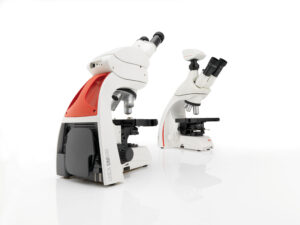
Leica DM500 Binocular Educational Microscope
Item #: DM500 VIEW PRODUCT -
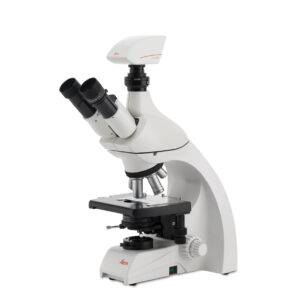
Leica DM750 Binocular Microscope for Postdocs in Life Sciences
Item #: DM750 VIEW PRODUCT -
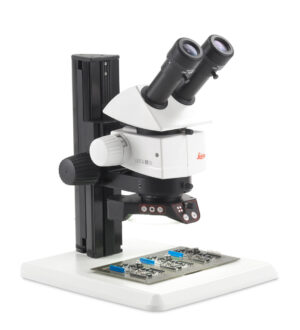
Leica M50, M60 and M80 Routine Stereo Microscopes
Item #: M Series Stereo Microscopes VIEW PRODUCT -
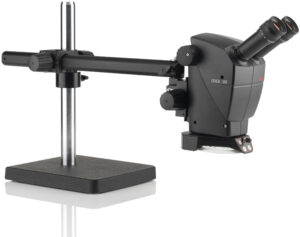
Leica A60 F & A60 S Industrial Stereo Microscopes
Item #: A60F-S VIEW PRODUCT -
Leica M205 C & M205 A Encoded Stereo Microscope
Item #: M205 VIEW PRODUCT -
Leica M125 C Encoded Stereo Microscope
Item #: M125 C VIEW PRODUCT -
Leica DM3000LED Ergonomic System Microscopes With Intelligent Automation
Item #: DM3000LED VIEW PRODUCT -
Leica Ivesta 3 Greenough Stereo Inspection Microscopes
Item #: IVESTA-3 VIEW PRODUCT